
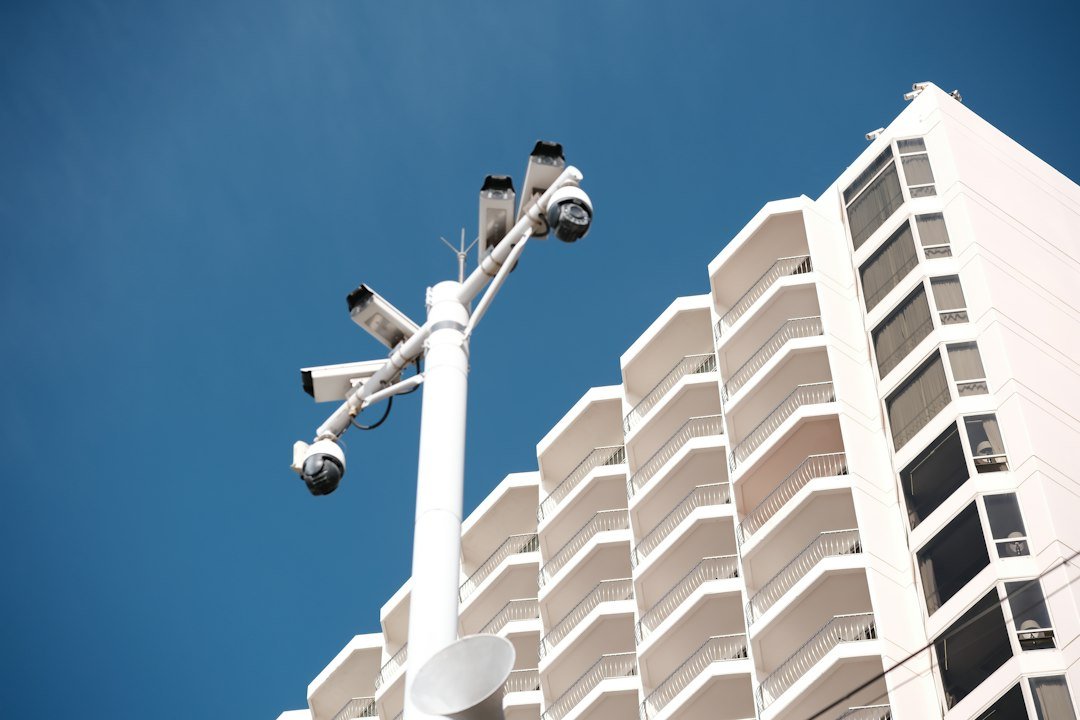
A CCTV system is only useful if it’s actually working when you need it — and few things are more frustrating than checking your footage after an incident only to find a blank screen or a frozen image. The good news is that most CCTV problems come down to a handful of common causes, and knowing what’s likely wrong can save you time and help you decide whether it’s a quick fix or something that needs a professional look.
1. Camera Not Recording
This is one of the most common issues homeowners and business owners run into. A camera that isn’t recording usually points to one of these causes:
- Full storage: Most DVR/NVR systems overwrite old footage automatically, but if that setting is off or misconfigured, the drive can fill up and stop recording entirely.
- Failing hard drive: Like any hard drive, the one inside your recorder has a lifespan. A drive nearing failure often causes recording gaps before it stops working altogether.
- Incorrect recording schedule: Some systems are accidentally set to record only during specific hours or only on motion detection, which can look like a full outage when it’s actually a settings issue.
2. No Signal or Blank Screen on One Camera
When a single camera shows a blank or “no signal” screen while others work fine, the issue is usually isolated to that specific camera or its connection. Common causes include a damaged or disconnected cable, a failing power supply to that camera, or a bad connector at either end of the cable run. Weather exposure over time — especially for outdoor cameras — can also degrade cable connections at the point where they enter the housing.
3. Grainy, Blurry, or Low-Quality Footage
Poor image quality is often mistaken for a broken camera, but it’s frequently something simpler:
- A dirty or fogged-up camera lens, especially common on outdoor cameras exposed to dust, rain, or spider webs
- Incorrect resolution settings on the DVR/NVR that don’t match the camera’s actual capability
- A degraded or damaged coaxial/BNC cable on analog systems, which can cause signal loss over long cable runs
Cleaning the lens and checking cable connections resolves this issue more often than people expect.
4. Night Vision Not Working Properly
If your camera looks fine during the day but the footage turns dark, overly bright, or shows a washed-out glare at night, a few things could be happening. Infrared LEDs around the lens can fail over time, dirt or condensation on the lens housing can reflect the IR light back into the camera (creating a white-out effect), or the camera’s light sensor may be malfunctioning and failing to switch into night mode correctly.
5. CCTV System Not Accessible Remotely
Many CCTV systems these days are connected to an app or web portal for remote viewing, and losing that connection is a common complaint. This is typically caused by a change in your home or business internet connection (new router, changed password, or a new IP address), a port forwarding setting that got reset, or the DVR/NVR losing its connection to the network entirely. In most cases, this is a configuration issue rather than a hardware failure.
6. Cameras Randomly Disconnecting or Going Offline
If cameras seem to drop offline and reconnect on their own, the cause is often a power supply issue — either an underpowered power adapter, a failing power injector on PoE (Power over Ethernet) systems, or voltage drop over long cable runs. Loose connections at the DVR/NVR end are another frequent culprit, especially in systems that have been in place for several years.
7. DVR/NVR Won’t Turn On or Keeps Restarting
A recorder that won’t power on, or one that restarts repeatedly, often points to a failing power supply, an internal hard drive causing system instability, or in some cases, overheating from dust buildup inside the unit. Recorders installed in enclosed cabinets without ventilation are particularly prone to this over time.
DIY Checks Before Calling a Technician
A few quick checks can sometimes resolve the issue without a service call:
- Confirm all power adapters and cables are firmly connected at both ends
- Restart the DVR/NVR system fully (power off, wait 30 seconds, power back on)
- Wipe camera lenses clean, especially outdoor units exposed to the elements
- Check your home or business Wi-Fi/router to confirm the internet connection is stable
If the problem persists after these steps, a proper diagnosis from a technician is the fastest way to get an accurate answer instead of guessing.
Get an Accurate CCTV Diagnosis, Nationwide
Whether it’s a camera that’s stopped recording, a system you can no longer access remotely, or footage quality that’s dropped off, our technicians provide on-site CCTV repair service across the USA. We diagnose the actual issue at your property and give you a clear, upfront quote before any work begins — so your security system is back up and actually protecting your home or business, not just installed and forgotten. We also handle other home repairs — see our guides on common TV problems and common refrigerator problems if you’re dealing with other appliance issues.